Updated 2026-10-29 · Editorial archive: 2026-10-23. Archive grouping is separate from publication.
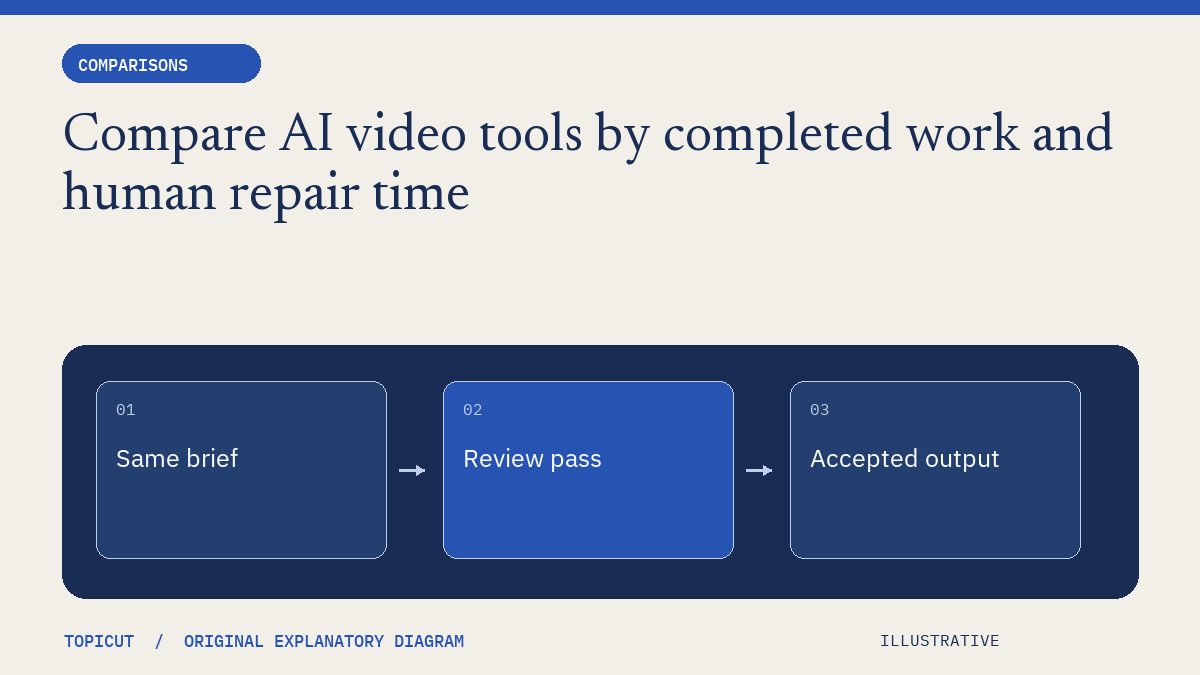
Compare AI video tools by completed work and human repair time
A fair tool comparison begins with the same job and a definition of acceptable output.
A fair tool comparison begins with the same job and a definition of acceptable output. A fast first preview can be valuable, but it is not equivalent to a reviewed deliverable if another hour of source replacement, caption correction or audio cleanup is still required.
Make the decision explicit
Freeze the brief, script, source constraints and export requirements before testing. Record time to first preview, time to usable export, human review minutes, failed attempts and actual spending. Keep factual accuracy, visual matching, source evidence and playback quality as separate assessments so one attractive score does not conceal a serious weakness.
A worked example
A proposed two-tool trial could use a fictional five-minute mechanism explainer with ten required visual beats. Tool A might return a preview sooner, while Tool B might need fewer source replacements. The relevant conclusion depends on the agreed weights and the finished work. These are hypothetical possibilities, not measured results for a named competitor or evidence that any tool is best.
Review before handoff
Publish the inputs, constraints and scope of a real trial if you later conduct one. Recheck current product settings rather than mixing different plan tiers or allowing one tool broader sources. Include the cost of human review and unusable attempts. A comparison should help a reader choose a workflow, not disguise a promotional preference as independent testing.
Put the idea to work
Read production brief and use the related free workflow tool for its stated, limited task. Neither link replaces the review described above.
Reference and editorial notes
References checked October 29, 2026. Numerical and fictional scenarios are illustrative unless explicitly identified otherwise. The cover is an original Topicut explanatory diagram, not a product screenshot or a measurement.
Author

Categories
More Posts
Fliki feature directories and free utilities solve different jobs
Fliki's feature directory spans video, voice, translation, captions and many input formats.
Gomotion footage matching and source review are different comparison questions
Gomotion's public positioning emphasizes assembled videos with relevant real footage.
Kapwing line-length controls and caption readability: what to test separately
Kapwing's caption help discusses importing subtitle files and adjusting line length in its editing workflow.