Updated 2026-10-29 · Editorial archive: 2026-10-28. Archive grouping is separate from publication.
Kapwing line-length controls and caption readability: what to test separately
Kapwing's caption help discusses importing subtitle files and adjusting line length in its editing workflow.
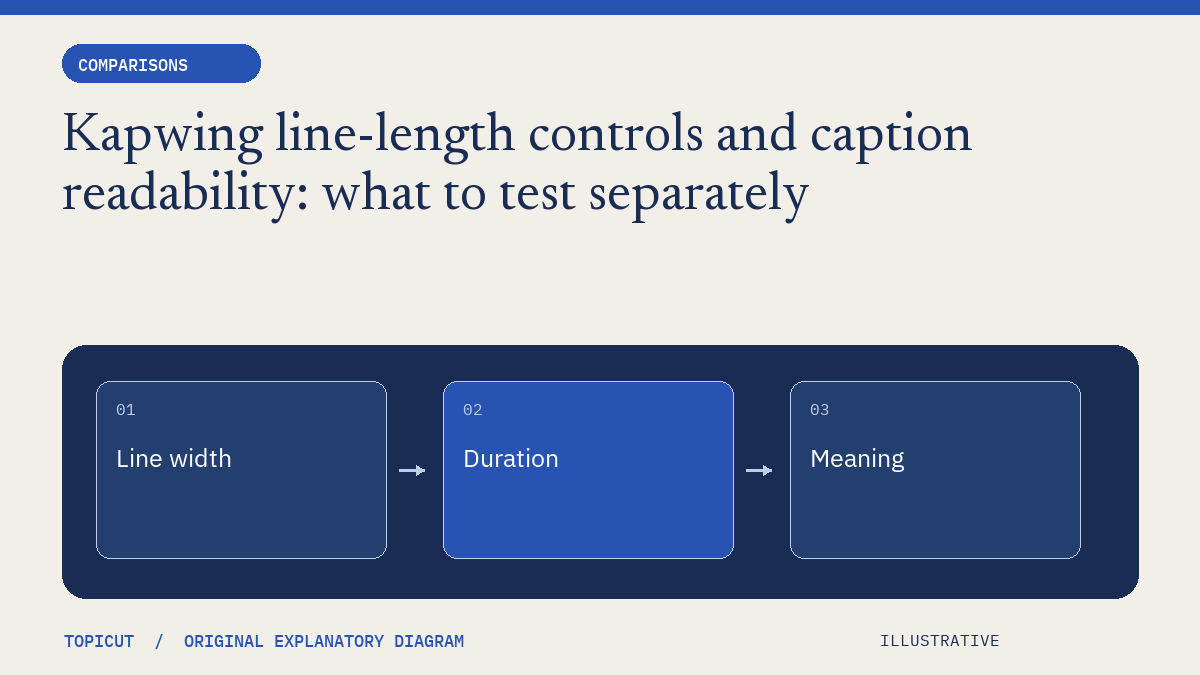
Kapwing's caption help discusses importing subtitle files and adjusting line length in its editing workflow. A line-length control is useful, but the resulting caption still needs to be checked for timing, meaning and the intended display.
Make the decision explicit
Compare what a setting changes. Does it reflow the existing cue, split one cue into several, or alter timing? Those operations have different consequences. Retain the source file and compare words and timestamps after the edit. An apparently cleaner layout can still leave too much information on screen for too little time.
A worked example
Consider an invented cue lasting two seconds with a long unfamiliar technical term. Reducing the maximum characters per line may move part of the phrase downward without making it easier to read. Splitting the cue could help only if there is appropriate time and the split respects the spoken phrase. Treat those choices as editorial decisions rather than interchangeable formatting fixes.
Review before handoff
Topicut's free line breaker performs a narrower operation: word-boundary whitespace reflow while preserving cue times, with explicit refusal of an over-width unbroken word. That is not a replacement for a full caption editor. This article uses Kapwing's public help as a workflow reference and makes no hands-on performance or subscription-value claim.
Put the idea to work
Read subtitle line break and use the related free workflow tool for its stated, limited task. Neither link replaces the review described above.
Reference and editorial notes
References checked October 29, 2026. Numerical and fictional scenarios are illustrative unless explicitly identified otherwise. The cover is an original Topicut explanatory diagram, not a product screenshot or a measurement.
Author

Categories
More Posts
Compare AI video tools by completed work and human repair time
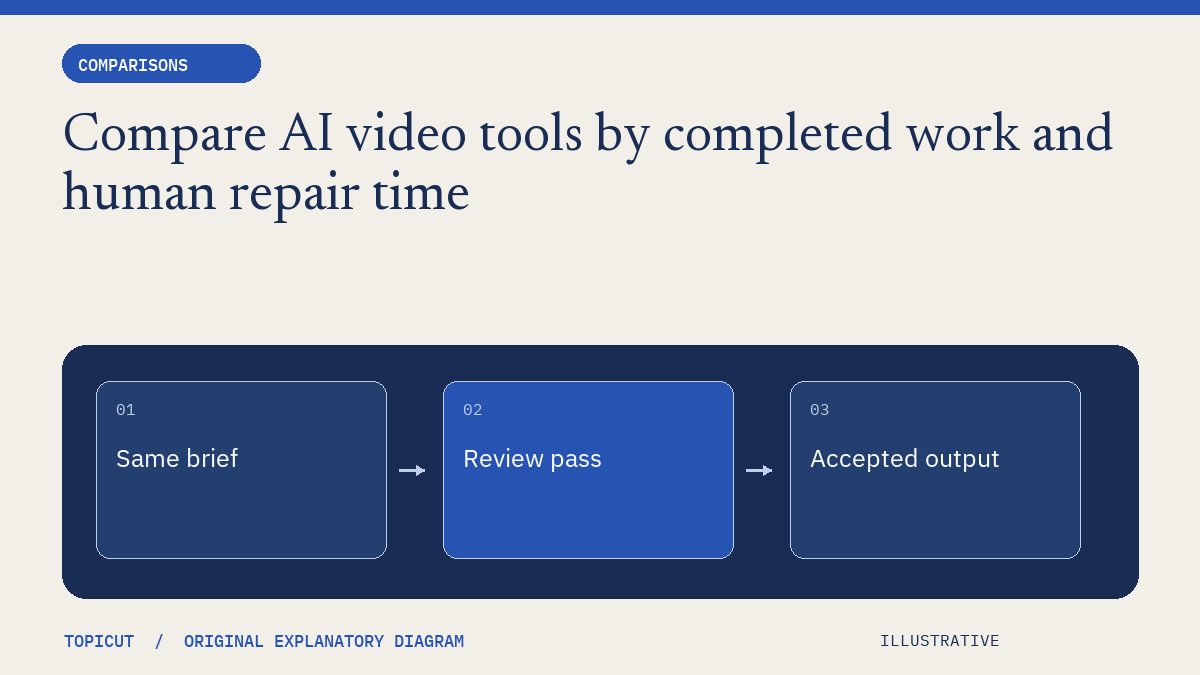
A fair tool comparison begins with the same job and a definition of acceptable output.
Fliki feature directories and free utilities solve different jobs
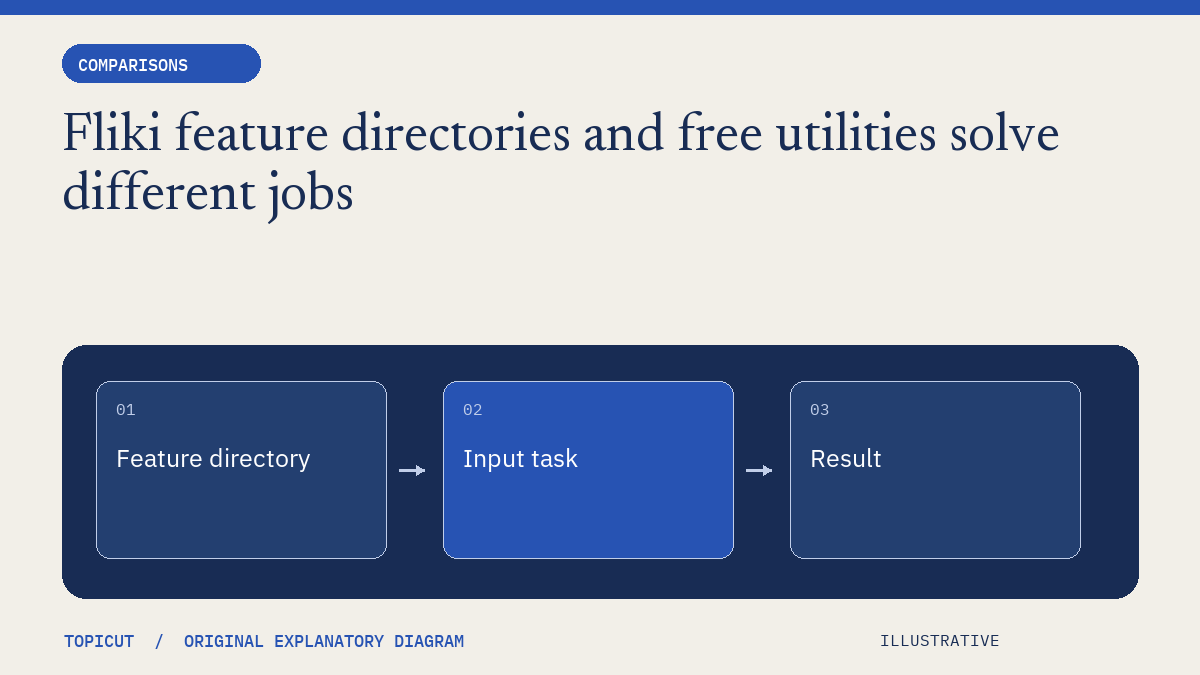
Fliki's feature directory spans video, voice, translation, captions and many input formats.
Gomotion footage matching and source review are different comparison questions
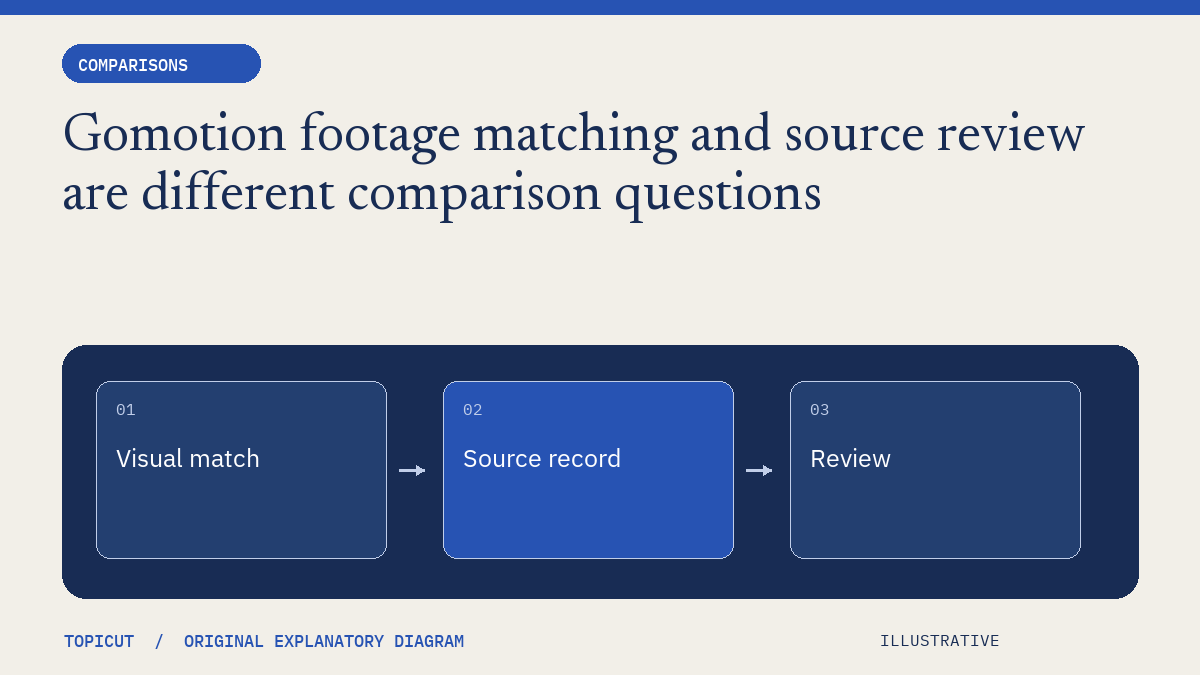
Gomotion's public positioning emphasizes assembled videos with relevant real footage.