Updated 2026-10-29 · Editorial archive: 2026-10-29. Archive grouping is separate from publication.
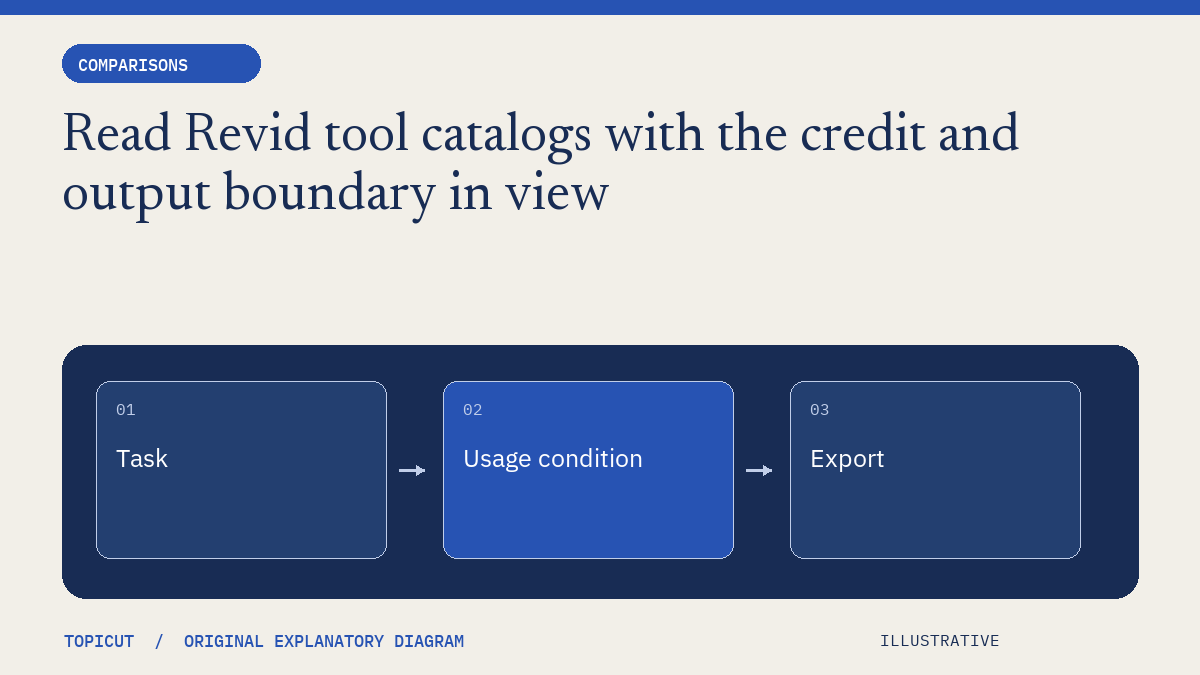
Read Revid tool catalogs with the credit and output boundary in view
Revid's directory covers generation, editing, formats and other creator tasks.
Revid's directory covers generation, editing, formats and other creator tasks. Some entries explicitly mention credit use. A label such as free tools should prompt inspection of the actual task boundary rather than an assumption that every generated output is unlimited or costs nothing.
Make the decision explicit
For a tool you are considering, identify what can be entered, what action starts processing, which account or allowance applies and what can be exported. Distinguish a public information page from an interactive utility and from a paid production workflow. Read the current conditions before uploading material or committing to a recurring process.
A worked example
In an invented research sheet, one row describes formatting an existing chapter list and another describes generating a complete video from a prompt. Both can appear under tools, but they use different resources and create different review obligations. Counting the two labels as equivalent functionality hides the decision that actually matters to the user.
Review before handoff
Use original scripts and appropriately reviewed assets for any authorized trial. Avoid turning a familiar character name or a promised viral style into a substitute for a clear production goal. This article reviews Revid's public catalogue, not a generated result, price quote or measured search-demand dataset. Topicut's description builder is a local formatter and should be evaluated within that narrower boundary.
Put the idea to work
Read production brief and use the related free workflow tool for its stated, limited task. Neither link replaces the review described above.
Reference and editorial notes
References checked October 29, 2026. Numerical and fictional scenarios are illustrative unless explicitly identified otherwise. The cover is an original Topicut explanatory diagram, not a product screenshot or a measurement.
Author

Categories
More Posts
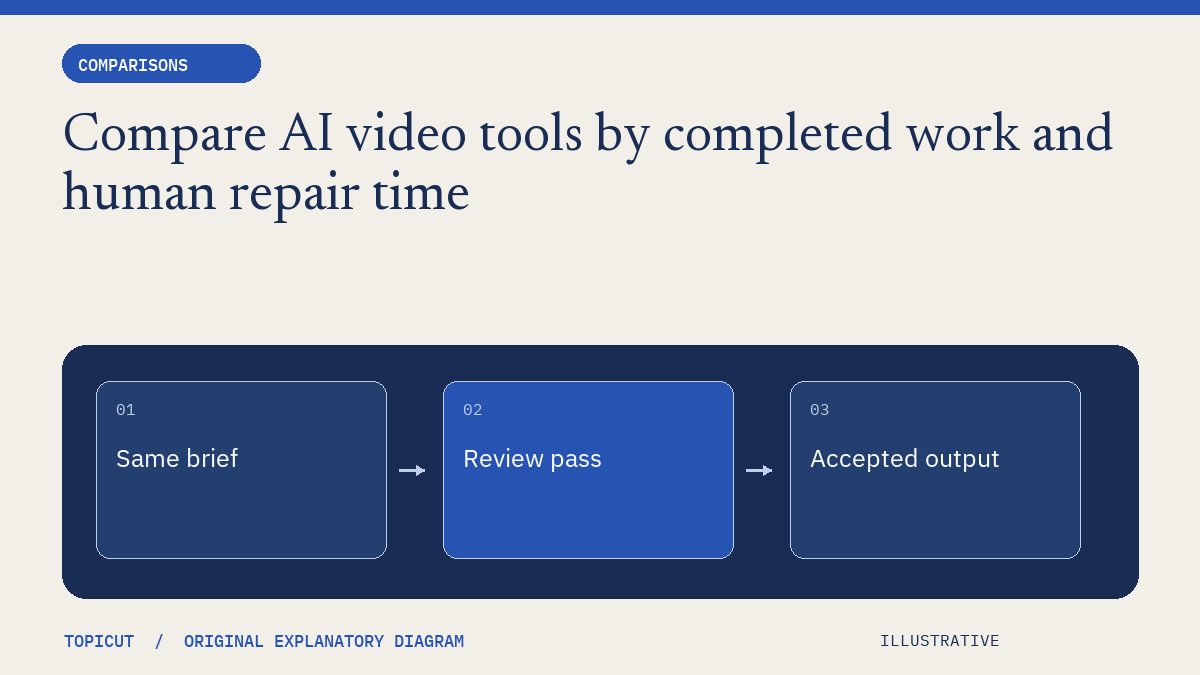
Compare AI video tools by completed work and human repair time
A fair tool comparison begins with the same job and a definition of acceptable output.
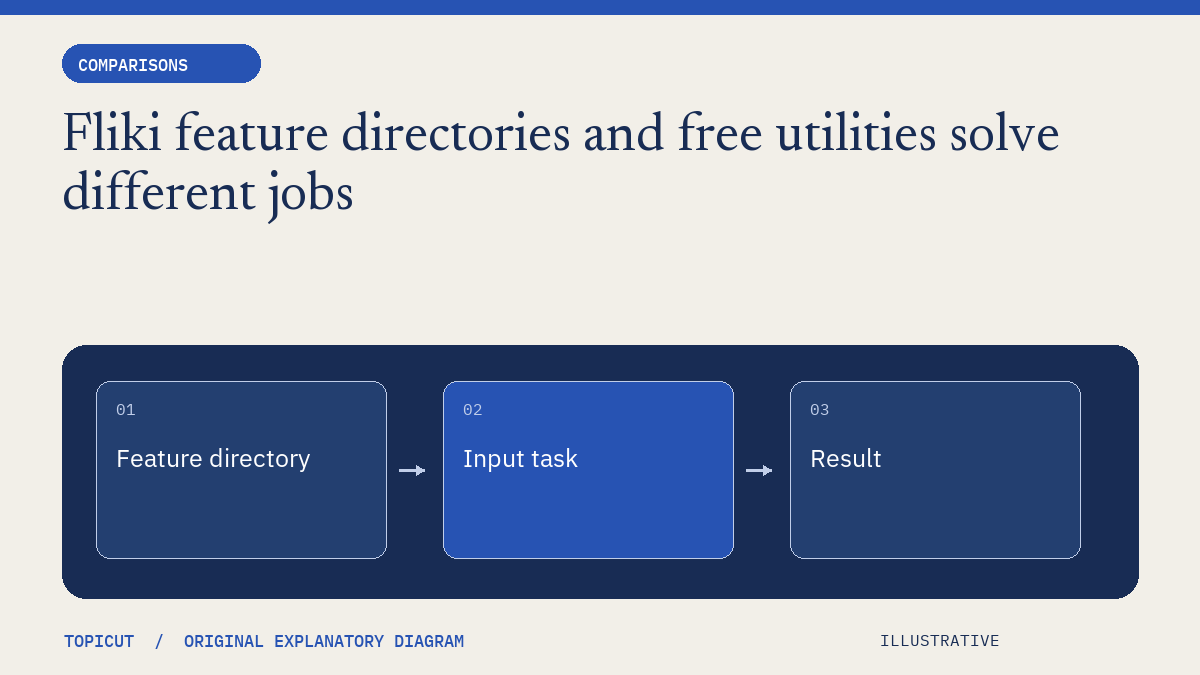
Fliki feature directories and free utilities solve different jobs
Fliki's feature directory spans video, voice, translation, captions and many input formats.
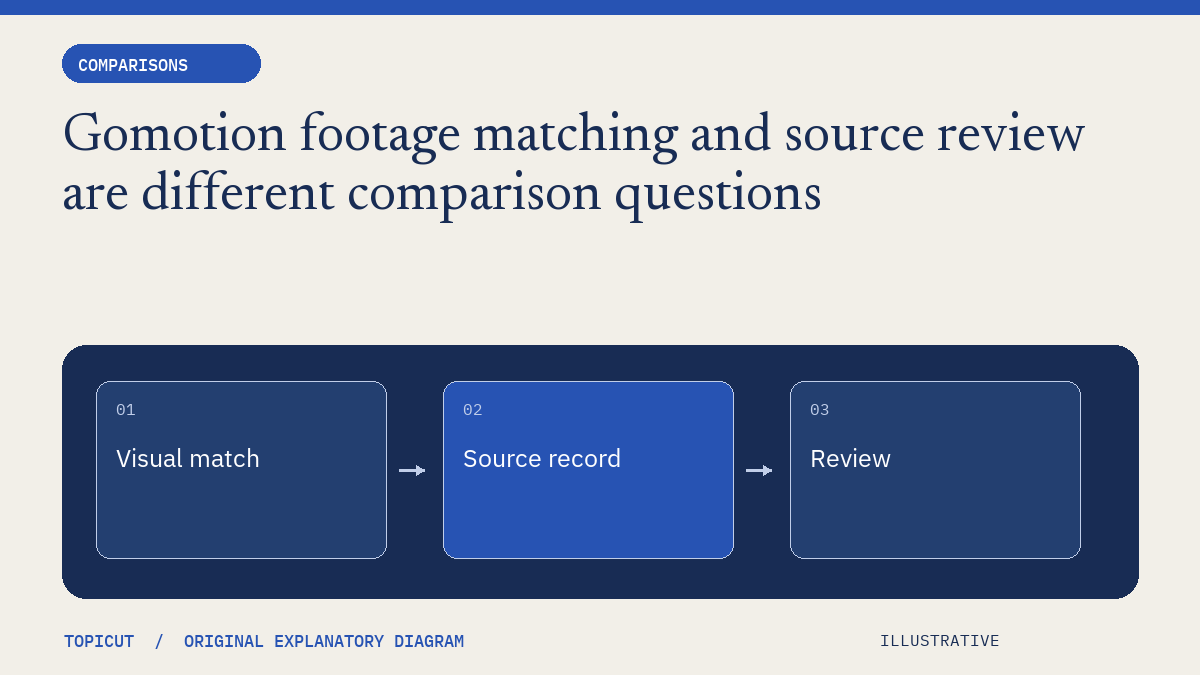
Gomotion footage matching and source review are different comparison questions
Gomotion's public positioning emphasizes assembled videos with relevant real footage.