Updated 2026-10-29 · Editorial archive: 2026-10-27. Archive grouping is separate from publication.
Use a caption export checklist when evaluating Pictory or another editor
Pictory's public caption material describes generated captions and visual customization.
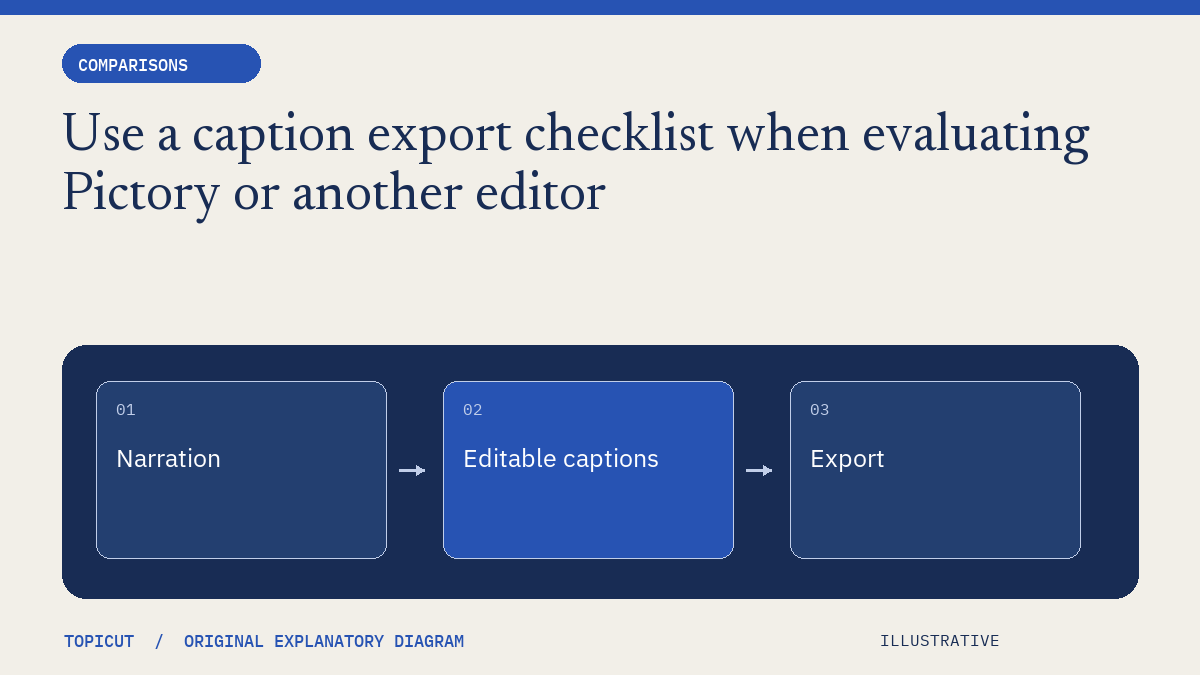
Pictory's public caption material describes generated captions and visual customization. For a production decision, separate that feature description from what you need to receive: editable text, timing, selectable tracks and a video whose wording has actually been reviewed.
Make the decision explicit
Ask which caption formats are available under the selected account conditions, what information survives an export and whether a correction requires another video render. Check a representative name, a meaningful sound and a late-stage cue against the recording. A vendor statement about automatic accuracy should not replace that inspection.
A worked example
In a proposed trial, use a short script with an unusual name and a pause before a diagram. Compare the generated wording with the recording, then export the supported text format and inspect its timing in the intended player. If the design uses stylized animated words, determine whether those effects are part of the video or represented in the separate caption file.
Review before handoff
Topicut's checker can inspect a supported plain-text file for reading-speed and timing findings. It does not hear the audio, evaluate a Pictory project or reproduce its styling. We have not generated or scored a Pictory output for this article. The checklist is intended to distinguish feature availability, export behavior and human review rather than invent a winner.
Put the idea to work
Read sidecar subtitles and use the related free workflow tool for its stated, limited task. Neither link replaces the review described above.
Reference and editorial notes
References checked October 29, 2026. Numerical and fictional scenarios are illustrative unless explicitly identified otherwise. The cover is an original Topicut explanatory diagram, not a product screenshot or a measurement.
Author

Categories
More Posts
Compare AI video tools by completed work and human repair time
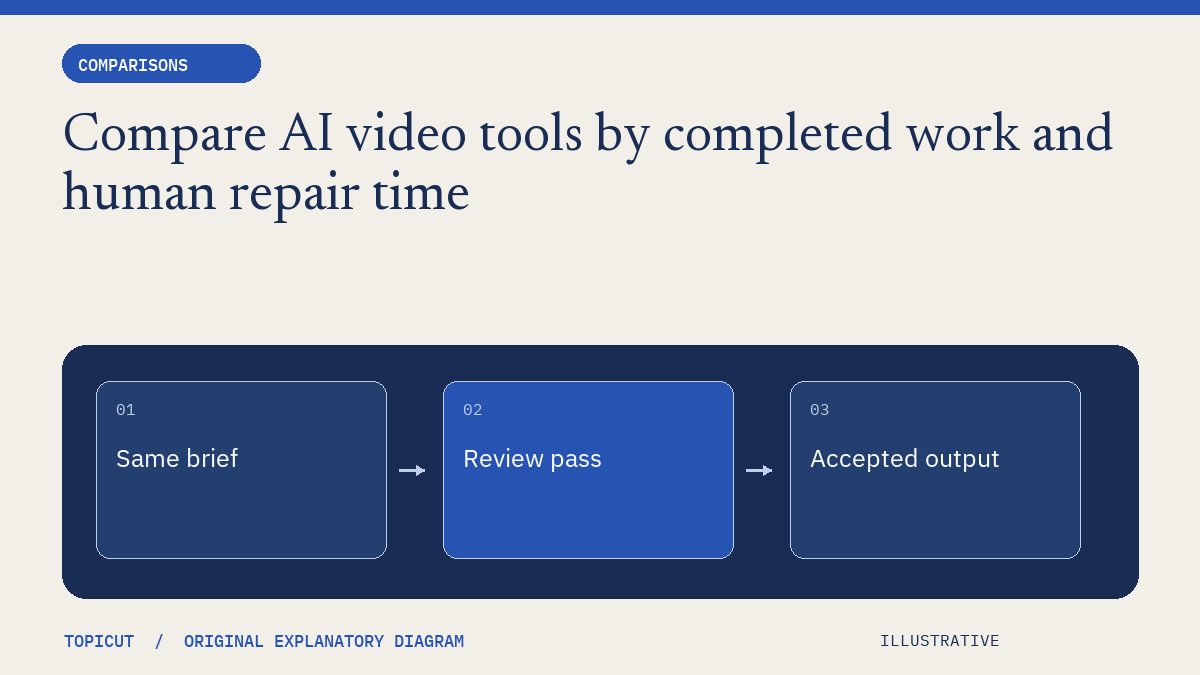
A fair tool comparison begins with the same job and a definition of acceptable output.
Fliki feature directories and free utilities solve different jobs
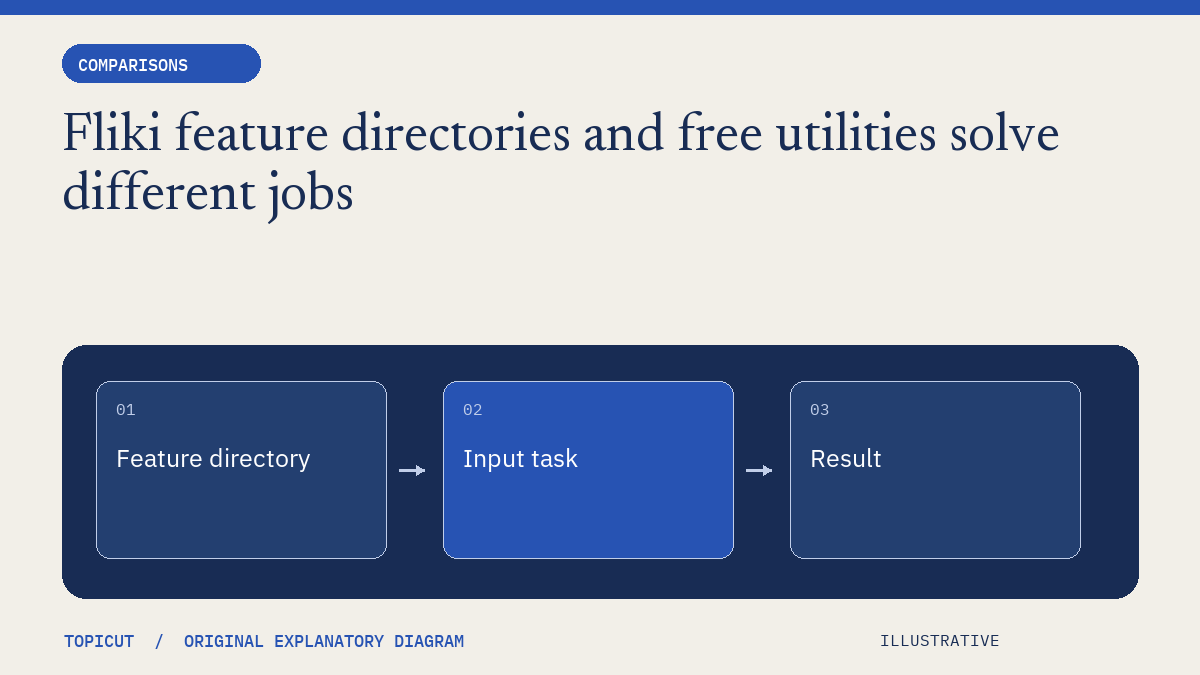
Fliki's feature directory spans video, voice, translation, captions and many input formats.
Gomotion footage matching and source review are different comparison questions
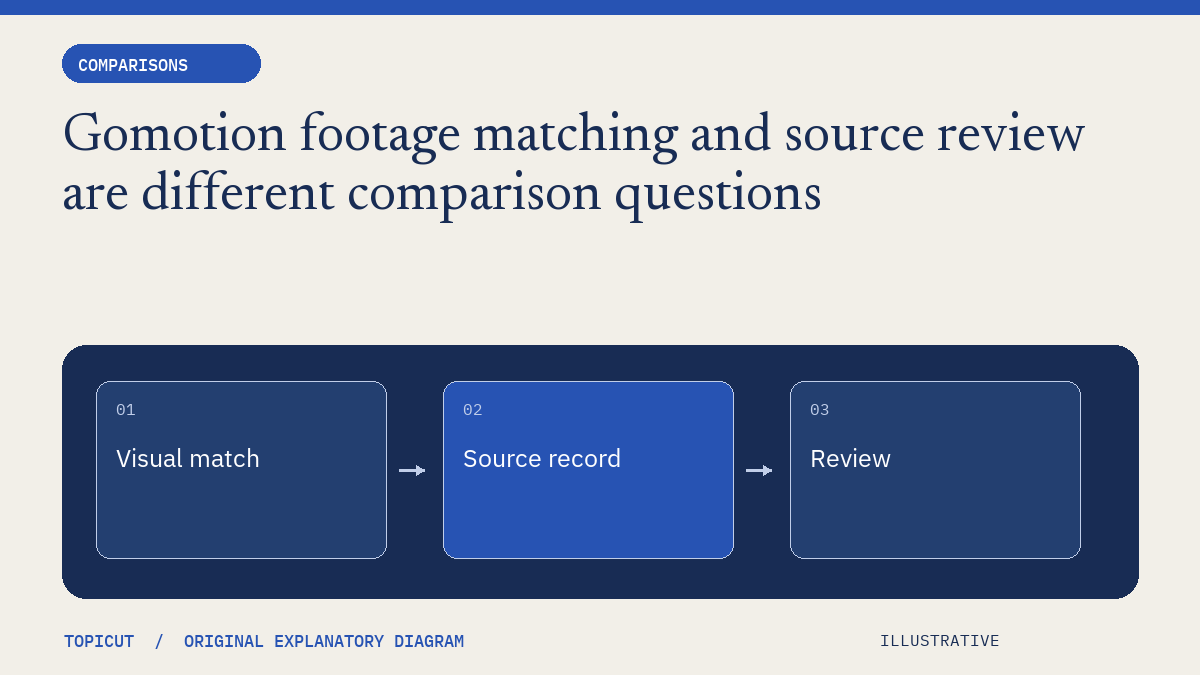
Gomotion's public positioning emphasizes assembled videos with relevant real footage.