Updated 2026-10-29 · Editorial archive: 2026-10-25. Archive grouping is separate from publication.
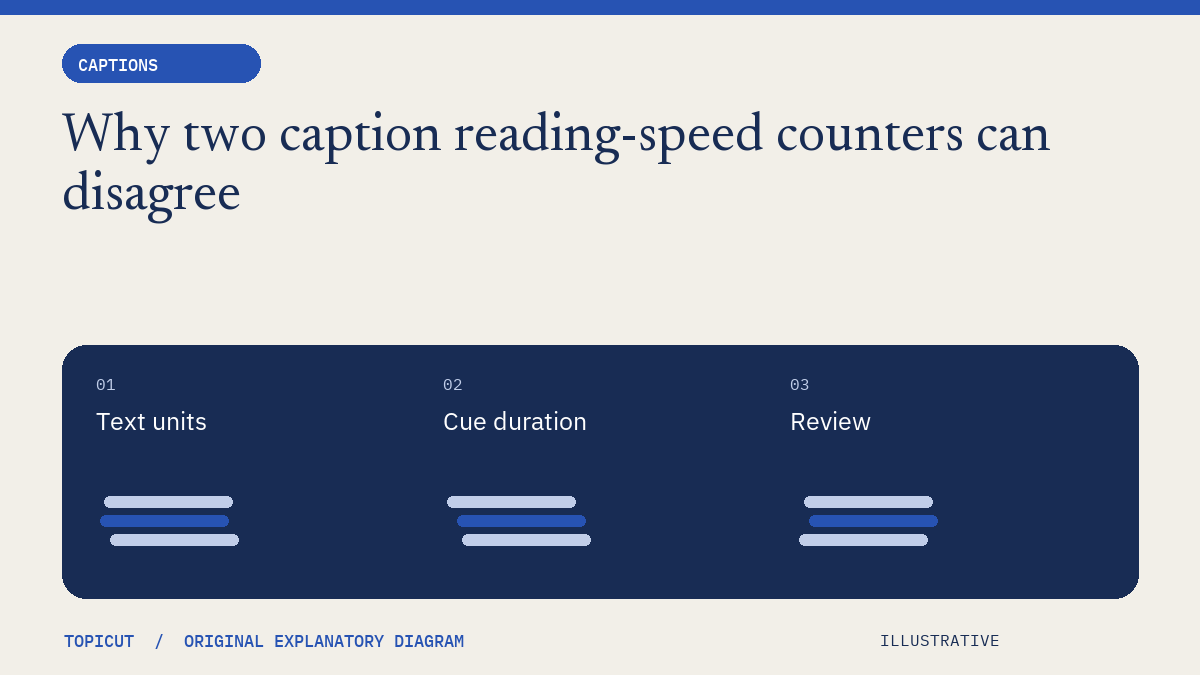
Why two caption reading-speed counters can disagree
A character-per-second result is only meaningful when the counting convention is known.
A character-per-second result is only meaningful when the counting convention is known. Some counters include spaces, some use different Unicode units, and others apply language-specific segmentation. A disagreement can be a unit mismatch rather than an arithmetic mistake.
Make the decision explicit
Record the cue text, its start and end, and what counts as a character. Topicut's checker counts Unicode code points, including spaces and punctuation but excluding line breaks. That convention is visible so a result can be reproduced. It is not a universal readability standard and does not measure how quickly a particular audience actually reads.
A worked example
A fictional two-second caption contains eighteen counted code points. Its result is nine characters per second under that rule. If another tool excludes three spaces, it reports 7.5 using the same duration. An emoji sequence can add another difference between code-point and visible-character counts. Compare conventions before deciding that one tool is broken.
Review before handoff
Use thresholds as review prompts. Dense terminology, unfamiliar names and simultaneous information can make a numerically modest cue difficult. Check the displayed text in context, not only the report. Keep the original wording available, and do not remove meaningful punctuation or speaker information solely to make a metric look smaller.
Put the idea to work
Read unicode code point and use the related free workflow tool for its stated, limited task. Neither link replaces the review described above.
Reference and editorial notes
References checked October 29, 2026. Numerical and fictional scenarios are illustrative unless explicitly identified otherwise. The cover is an original Topicut explanatory diagram, not a product screenshot or a measurement.
Reproduce a CPS calculation
Take the caption “Hello world.” displayed from 00:01.000 to 00:03.000. It contains 12 Unicode code points including its space and period. The duration is 2 seconds, so its review value is 6 CPS. Removing the space from your manual count would give a different answer from this tool.
Run the subtitle reading-speed checker on the first cue from the subtitle tutorial. Set your own maximum CPS and line length. A flagged cue is a review request, not a failed accessibility certification. A cue below the threshold can still be confusing because of unfamiliar vocabulary, competing visuals or poor segmentation.
Emoji add another complication: a displayed symbol can contain several code points joined together. This checker counts code points rather than visual grapheme clusters. Compare the text that the viewer actually sees, and avoid treating the computed number as a direct measure of reading difficulty. Split or reword only after checking the sentence and audio; increasing duration can create overlap with the next cue.
Continue: Subtitle editing
- SRT ↔ VTT converter
- Subtitle time shifter
- Fix a constant subtitle delay, then check readability
- SRT vs VTT: convert plain subtitles and check the result
- SRT subtitles
- WebVTT
- Subtitle synchronization
- Shift subtitles and convert SRT to VTT
Working on a specific brief? Request a sample to discuss scope and availability. Self-serve video generation remains closed.
More Posts
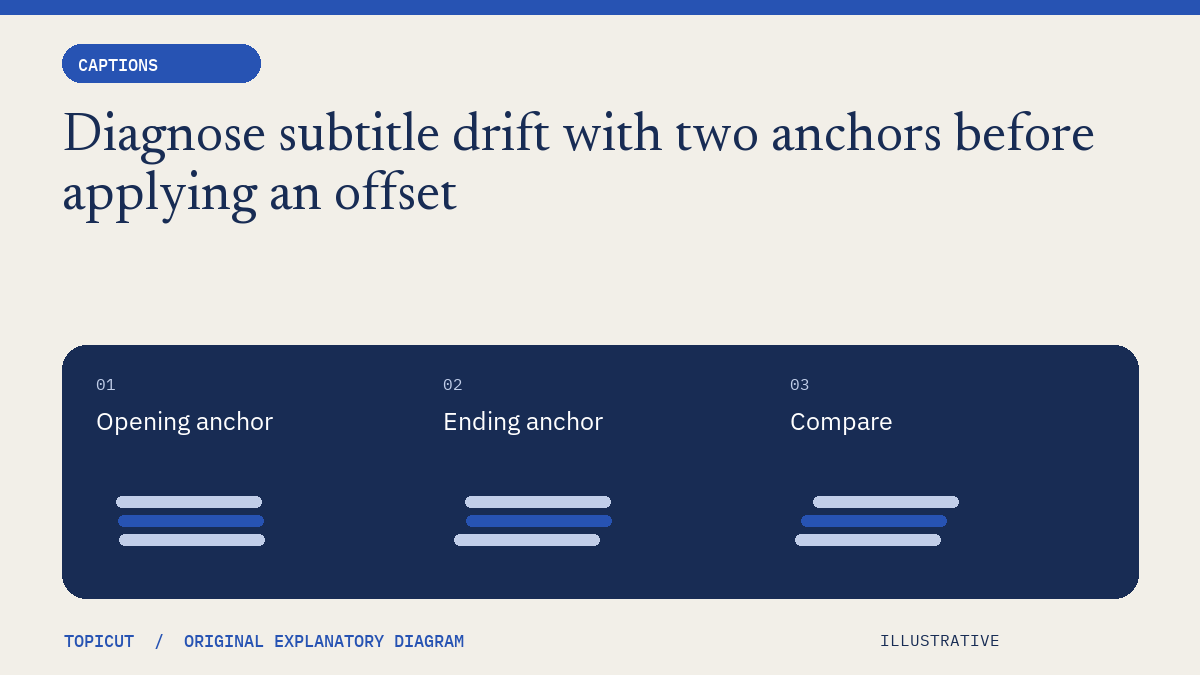
Diagnose subtitle drift with two anchors before applying an offset
If subtitles are correct near the beginning but wrong near the end, changing one offset may improve one location while making another worse.

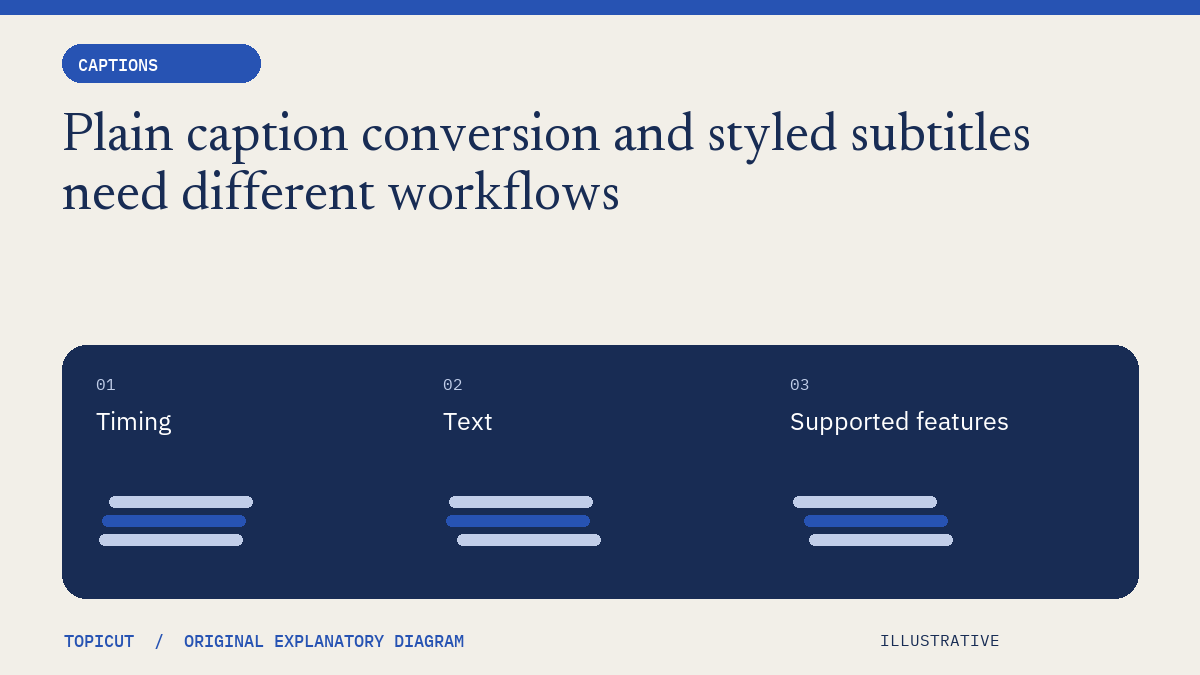
Plain caption conversion and styled subtitles need different workflows
A subtitle converter can preserve words and timestamps while still being unable to represent every feature in a source file.
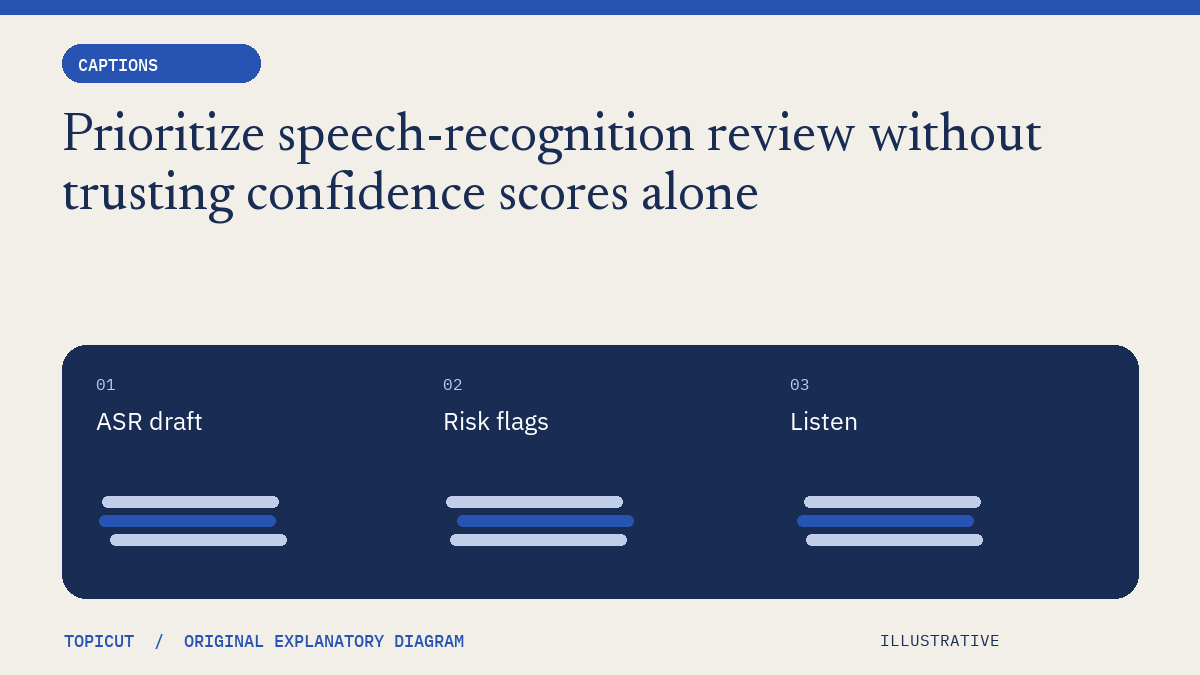
Prioritize speech-recognition review without trusting confidence scores alone
An automatic transcript can look convincing while containing a wrong surname, number or negation.