Updated 2026-10-29 · Editorial archive: 2026-10-25. Archive grouping is separate from publication.
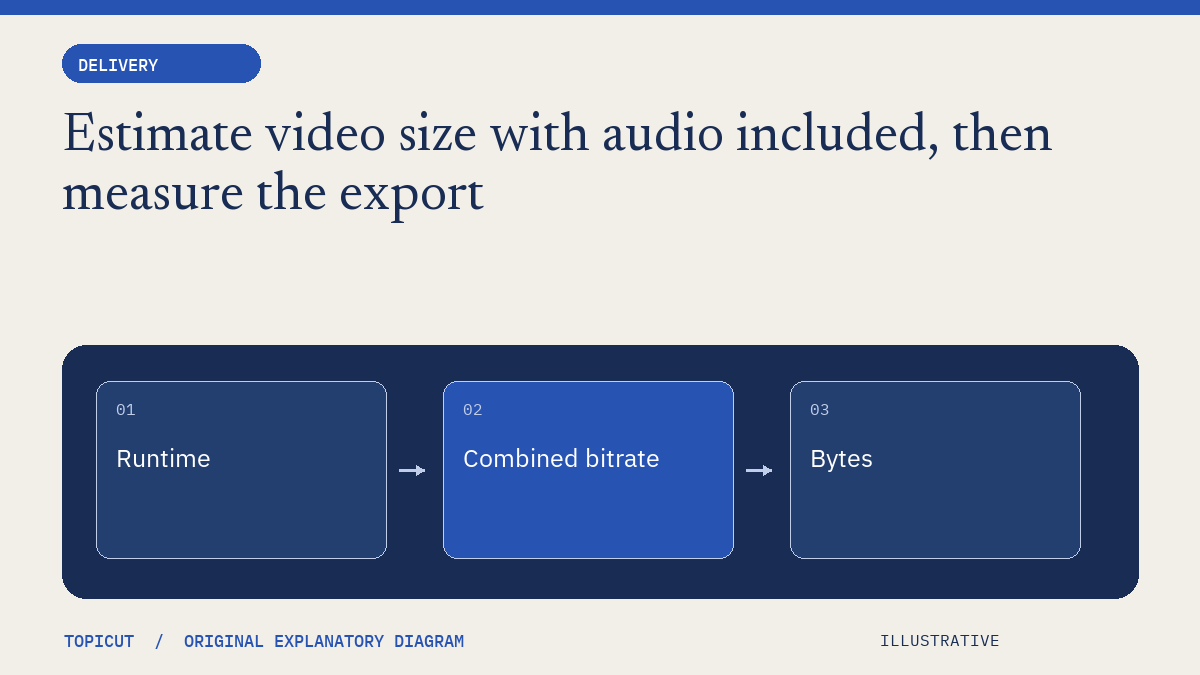
Estimate video size with audio included, then measure the export
A video-size estimate should include both picture and sound and should state whether the units are decimal or binary.
A video-size estimate should include both picture and sound and should state whether the units are decimal or binary. Multiplying a runtime by a video setting alone can understate the delivered file and still look precise enough to be mistaken for a measurement.
Make the decision explicit
Convert the video and audio rates to the same units, add them, multiply by seconds and divide bits by eight to estimate bytes. Report decimal megabytes and binary mebibytes distinctly. Treat variable bitrate, container metadata and other overhead as reasons to inspect the final output rather than pretending the equation predicts its exact byte count.
A worked example
For an illustrative fifteen-minute file at 1.5 Mbps video and 128 kbps audio, the combined rate is 1.628 million bits per second. Multiplying by 900 seconds and dividing by eight gives 183,150,000 estimated bytes, or 183.15 decimal MB. The MiB value differs because it uses powers of 1024. This is arithmetic under supplied rates, not a benchmark of any particular renderer.
Review before handoff
Use the estimate to plan storage or a download budget, then record the actual file size and duration after encoding. If the result is much larger than expected, inspect the stream settings instead of assuming a provider billing error. Topicut's calculator does not upload, inspect or encode a video file.
Put the idea to work
Read video bitrate and use the related free workflow tool for its stated, limited task. Neither link replaces the review described above.
Reference and editorial notes
References checked October 29, 2026. Numerical and fictional scenarios are illustrative unless explicitly identified otherwise. The cover is an original Topicut explanatory diagram, not a product screenshot or a measurement.
Work a bitrate estimate before upload
For an illustrative 900-second export at 5 Mbps video plus 192 kbps audio, convert audio to 0.192 Mbps first. Payload bytes are approximately 900 × (5 + 0.192) × 1,000,000 ÷ 8 = 584,100,000 bytes. That is about 584.1 decimal MB before container overhead.
Do not compare this number directly with a binary MiB label without converting units. An encoder targeting variable bitrate can also produce a different average from the setting shown in its interface. Read the exported file’s measured size and duration before promising an upload time or download size.
Use the video file-size calculator with an explicit overhead allowance, then record the final file’s actual byte length. For delivery, also preserve the filename, subtitle version and content hash. A plausible size is not proof of a complete download: a truncated file can still open its first few seconds. The large-download guide explains why byte length and hash checks serve different purposes.
Continue: YouTube delivery
- YouTube chapter formatter
- YouTube description builder
- Validate the final YouTube chapter, not only the timestamp list
- Write a video description that separates the summary, chapters and sources
- YouTube chapters
- Aspect ratio
- Video bitrate
- Check chapter timing including the last segment
Working on a specific brief? Request a sample to discuss scope and availability. Self-serve video generation remains closed.
More Posts
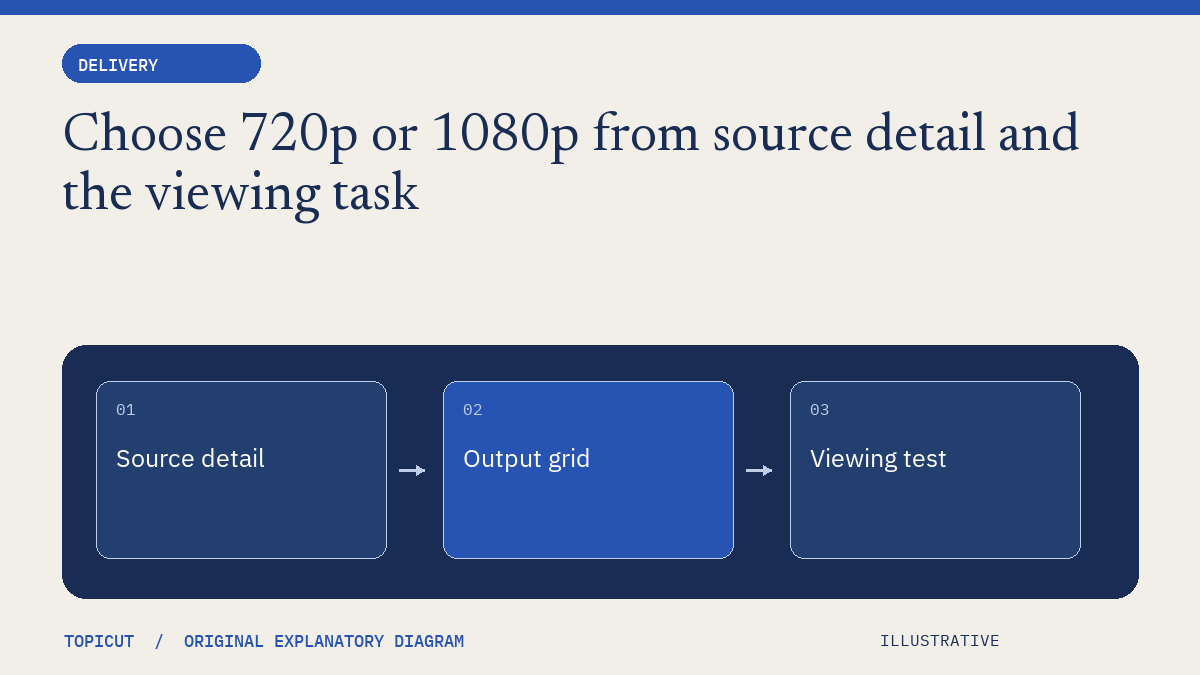
Choose 720p or 1080p from source detail and the viewing task
An export resolution names a pixel grid, not the amount of original detail in the source.

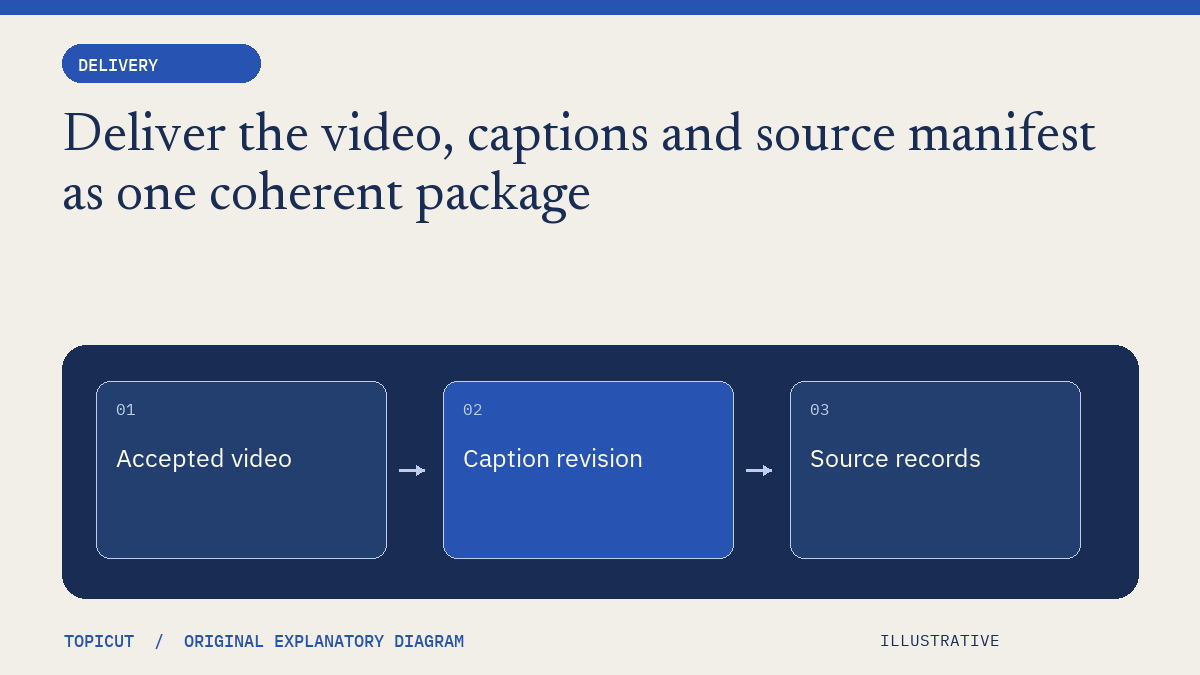
Deliver the video, captions and source manifest as one coherent package
A delivery package should make the relationship between its files easy to understand.
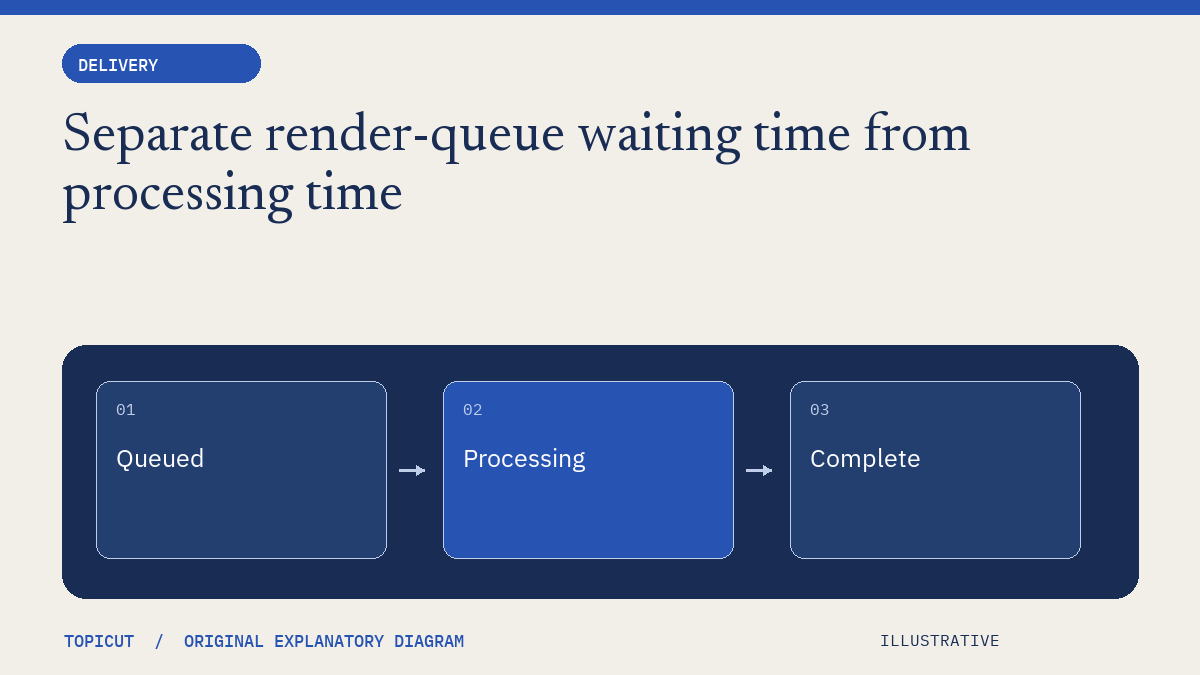
Separate render-queue waiting time from processing time
A long wait before a video appears can include admission checks, queue time, asset preparation, rendering and packaging.