Updated 2026-10-29 · Editorial archive: 2026-10-26. Archive grouping is separate from publication.
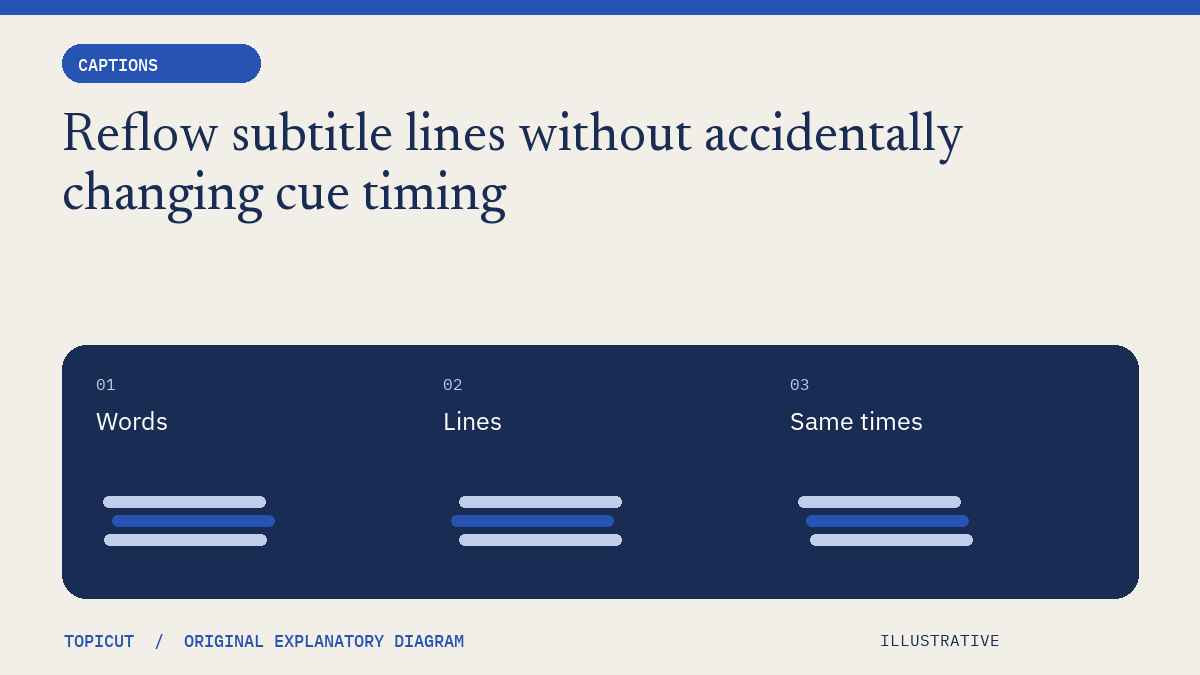
Reflow subtitle lines without accidentally changing cue timing
Line wrapping and cue timing are separate editing decisions.
Line wrapping and cue timing are separate editing decisions. Reflowing text can improve the display of a long sentence, but it does not create additional reading time or guarantee that the caption will fit every player and font.
Make the decision explicit
Start with a plain supported file and preserve a copy. Choose a line-length preference for the actual layout. Reflow at sensible word boundaries, then compare the text and timestamps before and after. Topicut's free line breaker normalizes whitespace and keeps cue times; it refuses an over-width unbroken word rather than silently splitting it.
A worked example
An invented cue spans seconds two through six and contains a long technical phrase. Breaking it into two lines leaves the same four seconds available. If the audience cannot read it in four seconds, moving the break is not enough: review the wording, the cue boundaries or the underlying narration. Each of those is a different change and should be assessed explicitly.
Review before handoff
Inspect names, punctuation, intentional emphasis and any cue that now needs more than two lines. The tool does not guarantee a two-line result or preserve styled caption markup. Test the exported copy against the intended recording and retain the original file so an apparently harmless formatting operation remains reversible.
Put the idea to work
Read subtitle line break and use the related free workflow tool for its stated, limited task. Neither link replaces the review described above.
Reference and editorial notes
References checked October 29, 2026. Numerical and fictional scenarios are illustrative unless explicitly identified otherwise. The cover is an original Topicut explanatory diagram, not a product screenshot or a measurement.
A controlled wrapping example
Paste a plain subtitle cue containing “A small step becomes a larger story.” into the subtitle line breaker. Choose a maximum width of 20 characters. The result should break between words rather than splitting a word; cue start and end times must stay the same.
Before accepting the output, compare these four things: the exact words, cue count, start/end times and meaning at the line break. Reflow normalizes whitespace, so it is not a byte-preserving archive operation. An unbroken URL longer than the selected width is rejected; choose a wider width or revise the text manually rather than silently truncating it.
A neat two-line shape does not prove comfortable reading speed. Use the CPS checker next, then preview the same file against your video. For a reproducible source file and timestamp comparison, use the subtitle tutorial. Keep a copy of the original file so that a layout change can be reversed without recovering timing from memory.
Continue: Subtitle editing
- SRT ↔ VTT converter
- Subtitle time shifter
- Fix a constant subtitle delay, then check readability
- SRT vs VTT: convert plain subtitles and check the result
- SRT subtitles
- WebVTT
- Subtitle synchronization
- Shift subtitles and convert SRT to VTT
Working on a specific brief? Request a sample to discuss scope and availability. Self-serve video generation remains closed.
More Posts
Why two caption reading-speed counters can disagree
A character-per-second result is only meaningful when the counting convention is known.

Diagnose subtitle drift with two anchors before applying an offset
If subtitles are correct near the beginning but wrong near the end, changing one offset may improve one location while making another worse.
Plain caption conversion and styled subtitles need different workflows
A subtitle converter can preserve words and timestamps while still being unable to represent every feature in a source file.